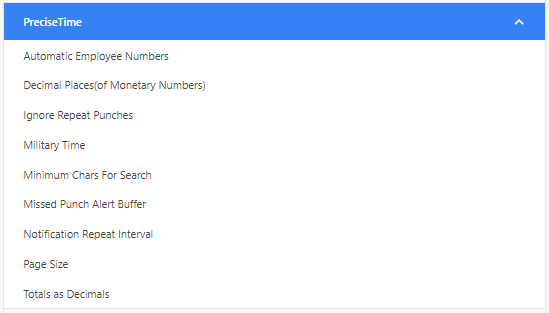
This option allows you to ignore punches that occurred in a certain time interval. The time interval is set in minutes.
In certain situations, employees may have uncertainties about the success of their punch and may end up punching again immediately after the initial one. Consequently, the timecard will contain an additional punch that requires manual removal. To address this issue, by setting the value to 1 minute or more, the system will capture these extra punches for reference purposes, but they will not be included on the final timecard. This approach allows for the accurate recording of punches while eliminating the need for manual intervention to remove redundant entries from the timecard.
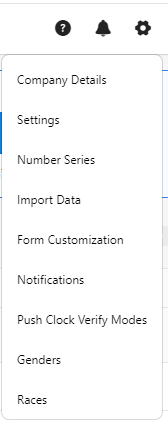
 ” icon on the top right corner of the application.