Minimum Chars For Search
Minimum characters (chars) for search allow you to enter the minimum number of characters required to search.
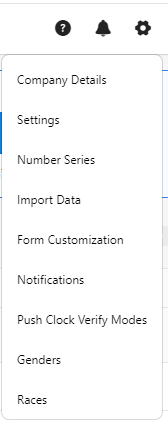
- Click on the gear “
 ” icon on the top right corner of the application.
- Click Settings.
- Click on PreciseTime.
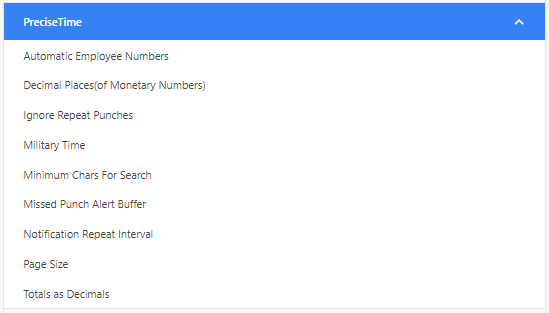
- Enter the minimum characters (chars) for the search.

- Click Save.
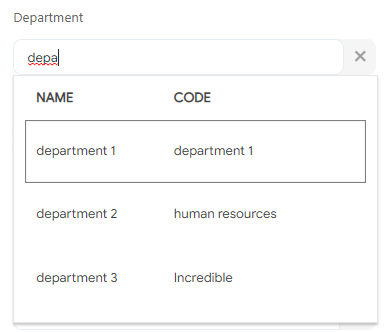
- Example - To verify, consider that you set the minimum character for search as 4. Now, access any screen. For example, the new employee screen. Try to search, for example, the department field. You will notice that the list will appear only if you enter the minimum character, in this case, four characters.