Missed Punch Alert Buffer
Missed Punch Alert Buffer is the duration during which the missed punch warning is shown after the scheduled out time. The maximum allowable duration is 16 hours.
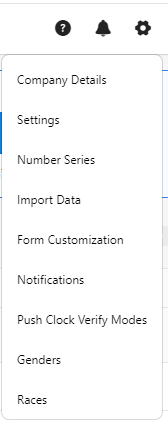
- Click on the gear “
 ” icon on the top right corner of the application.
- Click Settings.
- Click on PreciseTime.
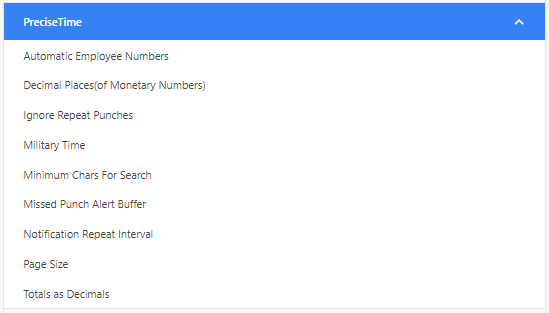
- Select the missed punch alert buffer.
- Enter the duration for displaying the missed punch warning after the scheduled out time. Note that the default setting is 08:00 hours.
- For employees with a predefined shift end time, the system will calculate the end threshold time based on the App Option time and shift end time.
- For employees with a flexible schedule, the end threshold time is calculated using the first punch of the day, total hours worked, and the App Option.

- Click Save.
