Page Size
The screen allows you to set the page size.
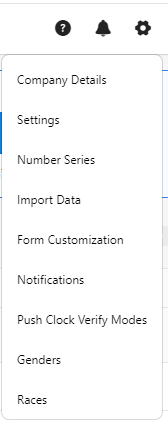
- Click on the gear “
 ” icon on the top right corner of the application.
- Click Settings.
- Click on PreciseTime.
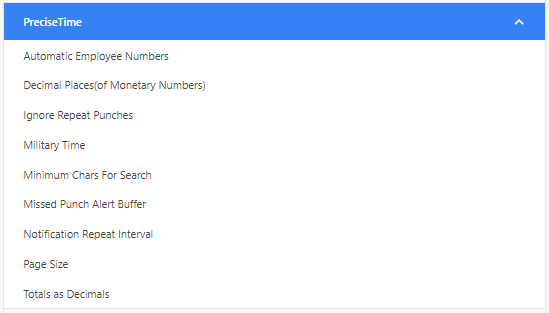
- Click on Page Size. Enter the page size. It is a comma-separated list of page sizes for grids throughout the application. The default value is 50,100,500.

- Click Save.
- Example - Consider that page size is set to 20,50,100. To verify, access any view screen and scroll to the bottom where you see "items per page". Click on the dropdown to view the page size settings.

